Prepare your paths
Convert text to outlines. Use self-contained paths and shapes; external images, fonts, and scripts are not supported.
SVG TO STL
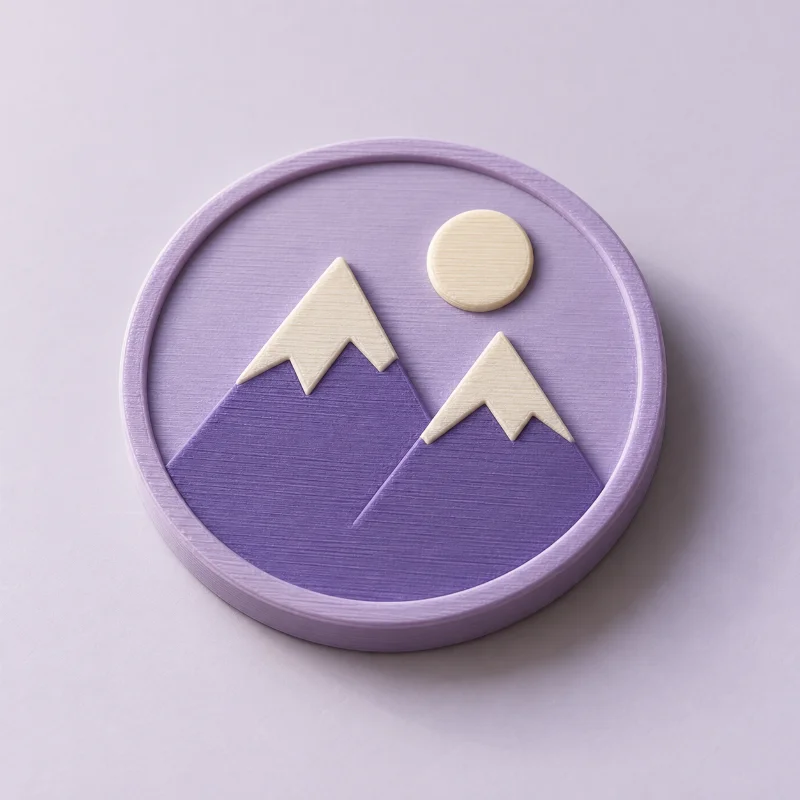
Your vector artwork already has a shape. Give it height, a base, and a new way to be seen.
 THE POSSIBILITY
A LITTLE CREATIVE DIRECTION
Upload a self-contained SVG with filled shapes and outlined text. Supported vector paths become cleaned contours and closed CAD wires, then solid extrusions. SVG effects that need bitmap tracing are flagged in the report. Download the resulting model as STL, 3MF, OBJ, STEP, or GLB.
Convert text to outlines. Use self-contained paths and shapes; external images, fonts, and scripts are not supported.
Add a backing for separate lettering, cut artwork into a base, or extrude a standalone outline.
Download STL for a slicer or STEP solid geometry for a CAD application.
A GOOD START MAKES A DIFFERENCE
Supported SVG curves are sampled into precise contour segments before solid extrusion. Exact original Bézier curves and sketch constraints are not preserved. Effects such as masks may require bitmap tracing, which is flagged in the report. Inspect fine details before export.
Yes. STEP exports contain solid CAD geometry built from the cleaned contours. They are created directly from those outlines, without converting an STL mesh into thousands of triangle faces.
Upload artwork or a photo, generate a real model, and inspect the geometry report for free. No account is required for previews or single-model purchases. Your files are private.
Yes. Choose STL, 3MF, OBJ, or GLB after generation. Artwork extrusions also support STEP solids. Preview first, then purchase your selected format or use credits. Each purchase unlocks one format of that exact model.
KEEP THE IDEAS COMING
Free to createTurn a recognizable mark into a badge, sign, or gift.
Free to createExplore solid CAD extrusions from logos and vector outlines.
 Free to create
Explore layers and the possibilities of separate color regions.