Start with a simple palette
Flat, distinct colors create clearer regions than shadows or gradients. Artwork is simplified to up to four colors.
IMAGE TO 3MF
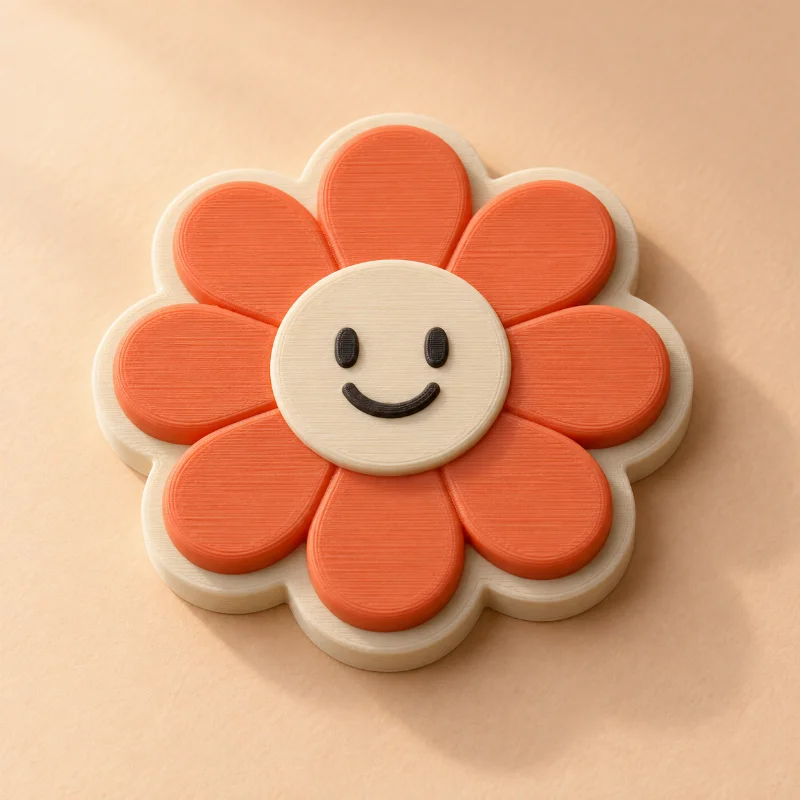
Some ideas deserve more than one color. Turn clear artwork into distinct printable regions and keep them together in a 3MF file.
 THE POSSIBILITY
A LITTLE CREATIVE DIRECTION
3MF keeps geometry, millimeter units, objects, and color information together. Select Multi-color or Detailed artwork to separate a simple source palette into printable regions. Preview the actual model and download the 3MF, then assign materials in your slicer.
Flat, distinct colors create clearer regions than shadows or gradients. Artwork is simplified to up to four colors.
Detailed artwork raises image details to different heights on a flat base. Multi-color creates distinct regions for your slicer.
Open the 3MF as a model, inspect its parts, and assign compatible filaments. This is a model package, not a printer-specific project file.
A GOOD START MAKES A DIFFERENCE
STL carries triangle geometry. 3MF also describes units, objects, and material or color information. Slicer support for color and material metadata varies.
Choose Multi-color or Detailed artwork to separate source colors into regions. Choosing only the 3MF file format keeps your selected creation mode.
Upload artwork or a photo, generate a real model, and inspect the geometry report for free. No account is required for previews or single-model purchases. Your files are private.
Yes. Choose STL, 3MF, OBJ, or GLB after generation. Artwork extrusions also support STEP solids. Preview first, then purchase your selected format or use credits. Each purchase unlocks one format of that exact model.
KEEP THE IDEAS COMING
 Free to create
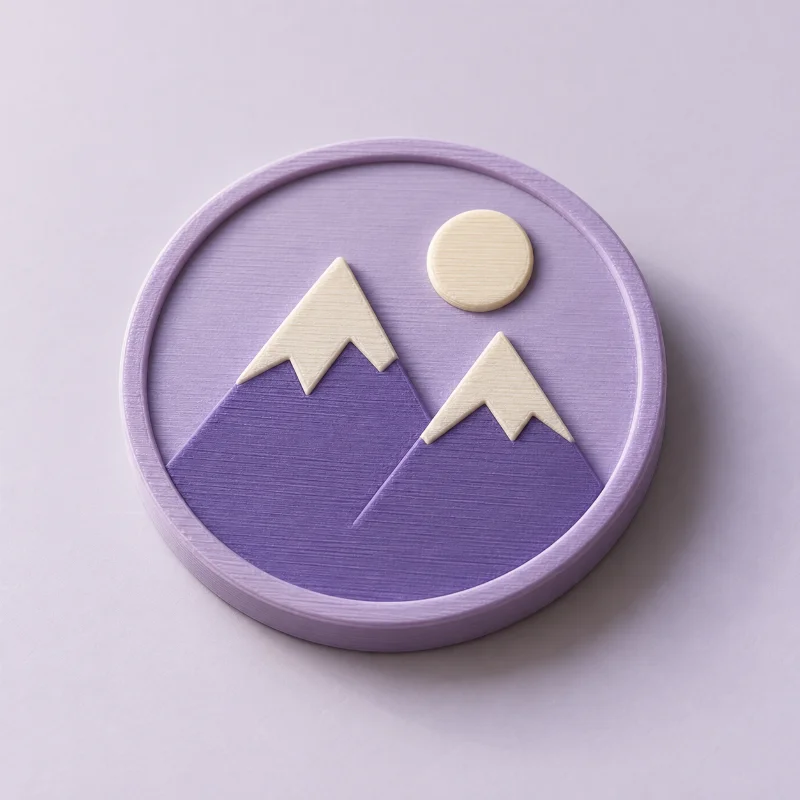
Turn a recognizable mark into a badge, sign, or gift.
Free to createA home for crisp vector logos, lettering, and outlines.
Free to createExplore solid CAD extrusions from logos and vector outlines.