Skip to content
Imageto3DPrint.com
PricingFAQ
Log inSign up free
All toolsBas-relief generator

BAS-RELIEF GENERATOR

Bas-relief generator.
A lasting impression.

Bring light and shadow into a new dimension. Turn image tones into a shallow surface with a solid backing.

Pet portraitsCoins & medalsWall art
PHOTO TO PRINTABLE SURFACE

A new dimension for your memories.

Image brightness becomes depth in a relief, or thickness in a backlit lithophane. Upload a photo and inspect the real surface before downloading.

Bas-relief generator

Give a favorite photo depth, texture, or light.

Free preview
Or try sample artwork
Choose your style
Choose output format

STL · Printable geometry without color data. Import in millimeters.

No account needed Files stay private

Photo meshes · STL, 3MF, OBJ & GLB downloads.

By generating a preview, you agree to our Terms of Service (opens in a new tab). Read our Privacy Policy (opens in a new tab). Automatic image preparation may use third-party image processing services.

Portraits · photographs · Up to 10 MB Inspect the actual model Geometry report included
Already have a STL file? Open it in the free STL viewer

A NEW WAY TO REMEMBER

What does a bas-relief generator create?

This generator maps image brightness to surface height above a flat base. It creates a shallow, closed relief mesh for printing. It does not estimate anatomical depth, so shadows and highlights become geometry. Use a prepared depth map when you need a specific sculpted shape.

01

Choose the right source

Use a photograph for a tonal surface or a grayscale depth map for more deliberate control over its shape.

02

Shape the impression

Adjust the depth range, smoothing, and base thickness. Invert the image to reverse which tones are raised.

03

Inspect before printing

Rotate the actual generated relief and inspect its geometry report before downloading STL, 3MF, or OBJ.

A GOOD START MAKES A DIFFERENCE

Choose a photo with potential.

  • Choose a clear portrait with an uncluttered background.
  • Avoid strong shadows that hide important facial features.
  • Think about how much depth suits your intended display.

BEFORE YOU BEGIN

A little more
good to know.

Clear answers for your next idea.

Explore pricing
Is a bas-relief a complete 3D model?

The output is a closed mesh with a shallow height surface and a flat back. It does not reconstruct a subject from every angle.

Will this work for CNC carving?

The mesh can be a starting point, but tooling, workholding, and toolpaths require separate checks in CAM software. The download contains geometry, not CNC instructions.

What can I do for free today?

Upload artwork or a photo, generate a real model, and inspect the geometry report for free. No account is required for previews or single-model purchases. Your files are private.

Are downloads available?

Yes. Choose STL, 3MF, OBJ, or GLB after generation. Artwork extrusions also support STEP solids. Preview first, then purchase your selected format or use credits. Each purchase unlocks one format of that exact model.

KEEP THE IDEAS COMING
A few more possibilities.

Explore all tools
Free to create
Photographs

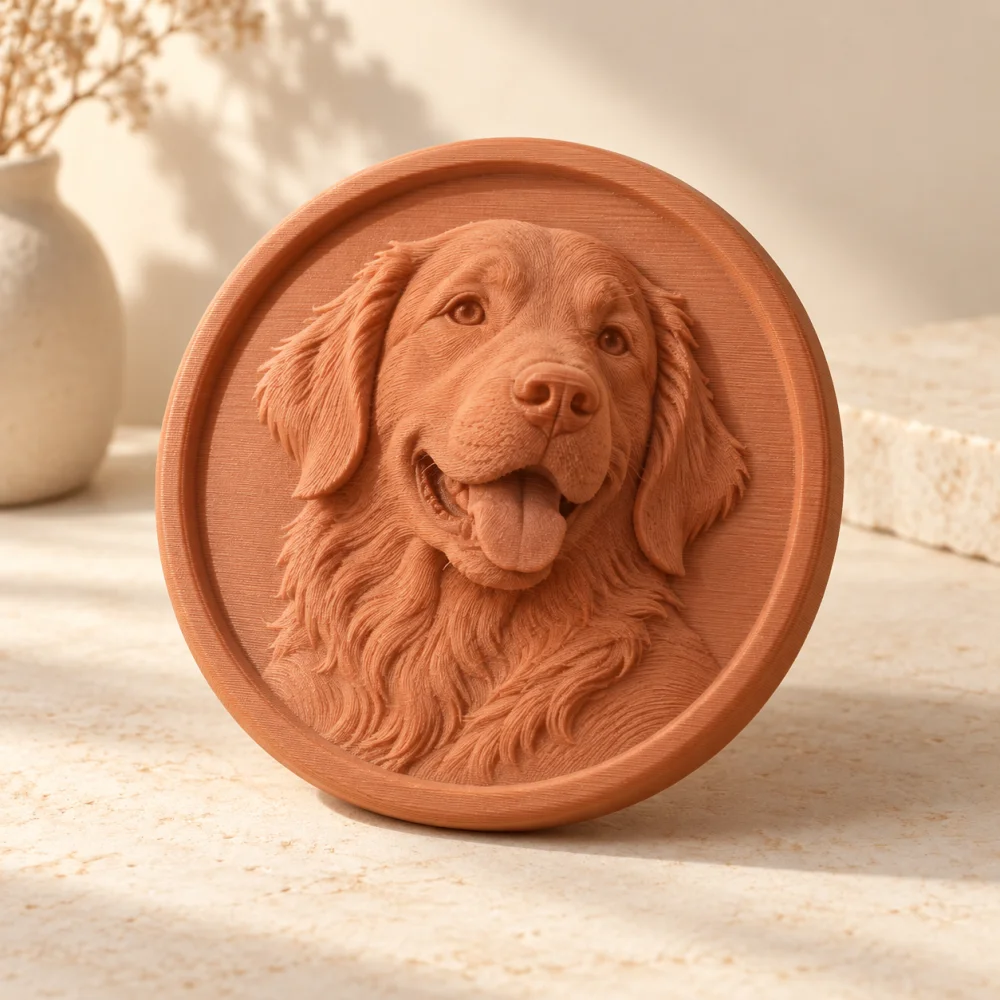
Photo to STL

Discover two different ways to give a photograph physical form.
Free to create
Portraits · landscapes

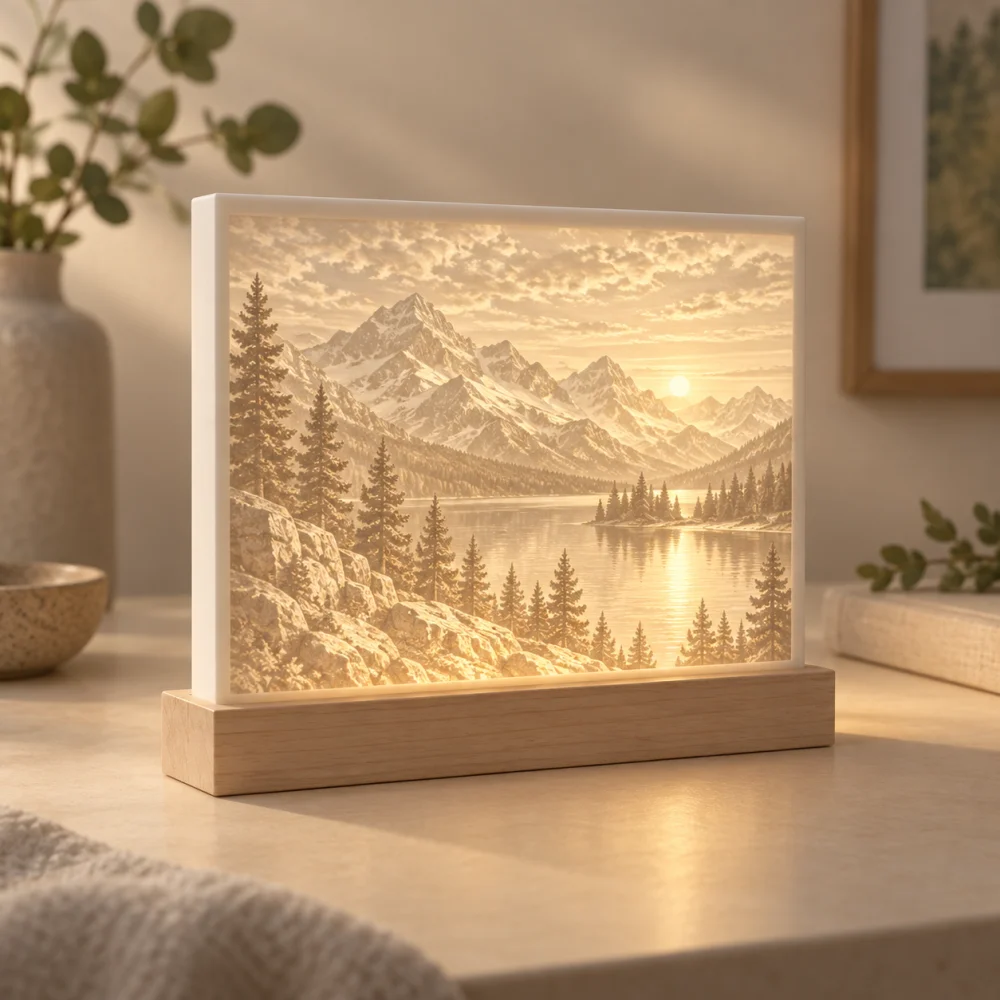
Lithophane generator

Turn the idea of a favorite photograph into a glowing keepsake.
Free to create
PNG · JPG · SVG logos

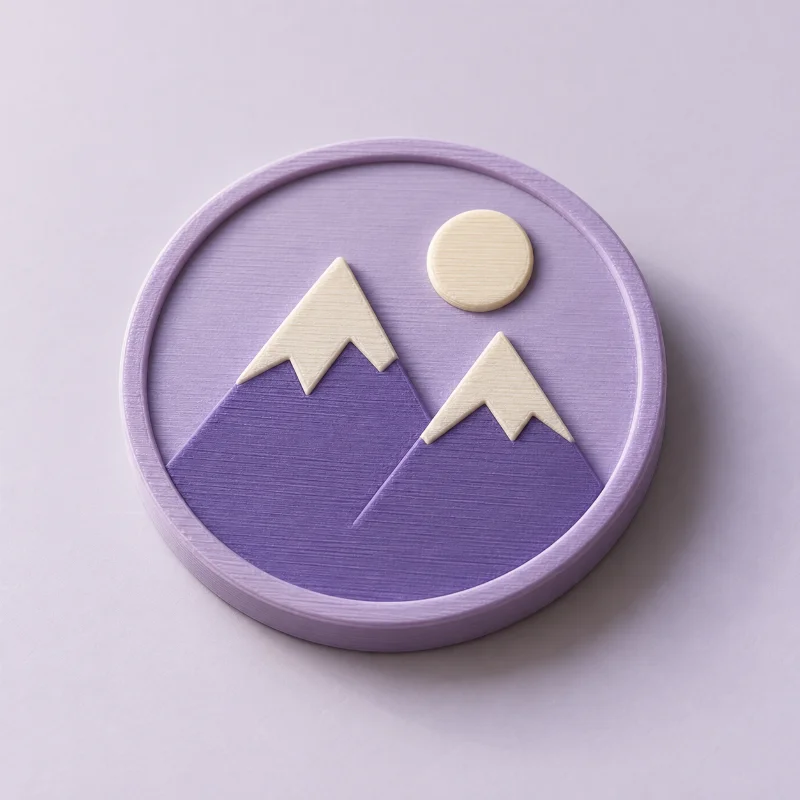
Logo to STL

Turn a recognizable mark into a badge, sign, or gift.

Imageto3DPrint.com

A little imagination.
A whole new dimension.

Made for the makers.

CREATE WITH ARTWORK

Image to STLPNG to STLJPG to STLSVG to STLLogo to STL

EXPLORE THE POSSIBILITIES

Image to 3MFImage to STEPPhoto to STLBas-relief generatorLithophane generatorBrowse all tools

FREE 3D VIEWERS

3D file viewerSTL viewerSTEP viewerOBJ viewer3MF viewerGLB viewer

YOUR STUDIO

Create a previewPricingWorkspace previewHow it worksCommon questions
© 2026 ImageTo3DPrint.comPreview your model. Download STL, 3MF, OBJ, STEP or GLB.
Operated by MTTenterprise Inc.
Terms of ServicePrivacy PolicyContact us