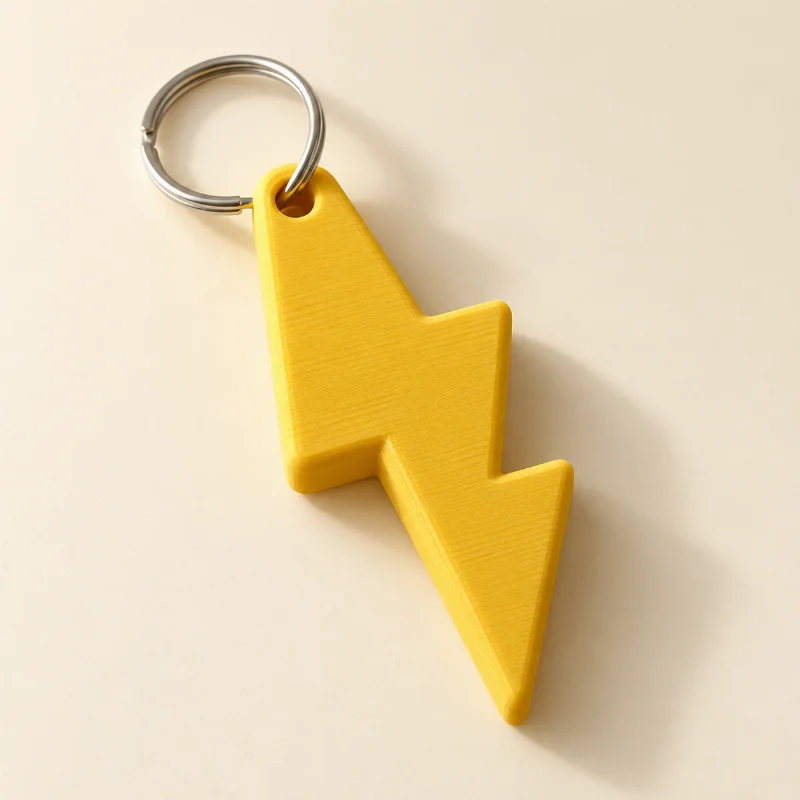
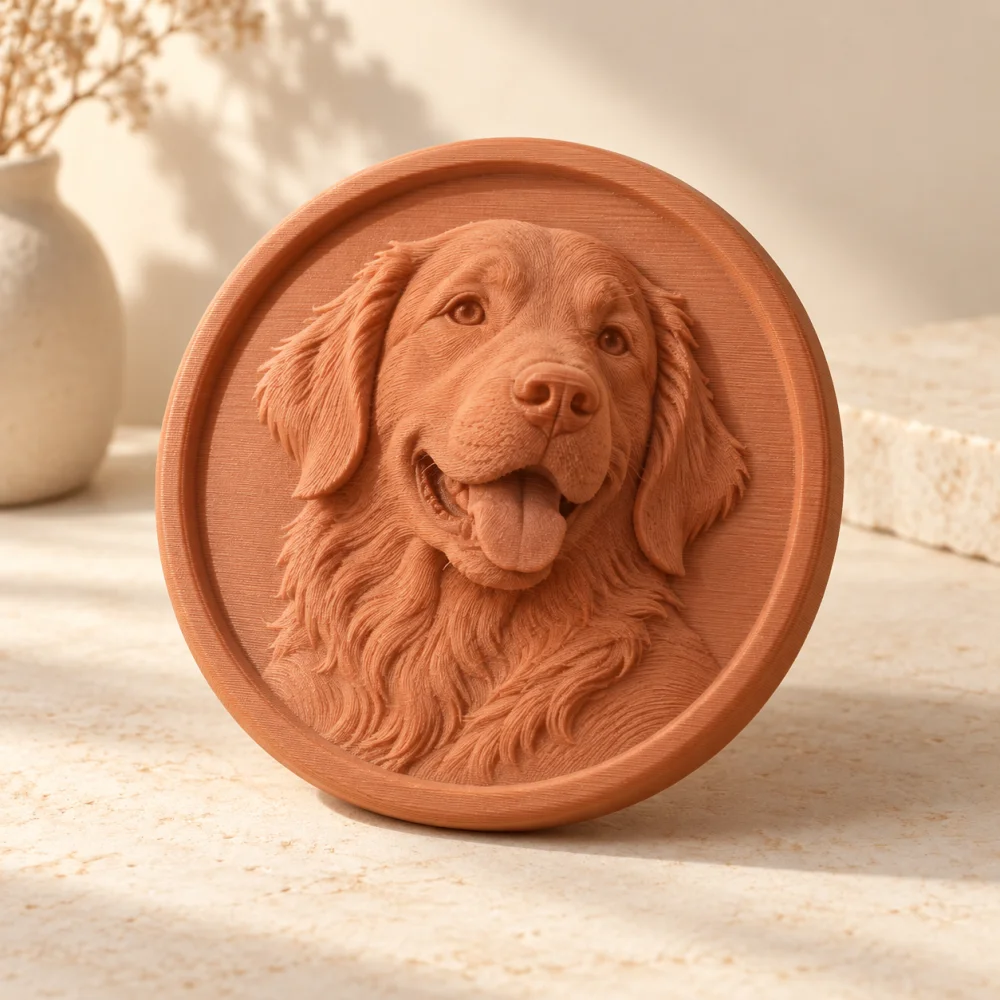
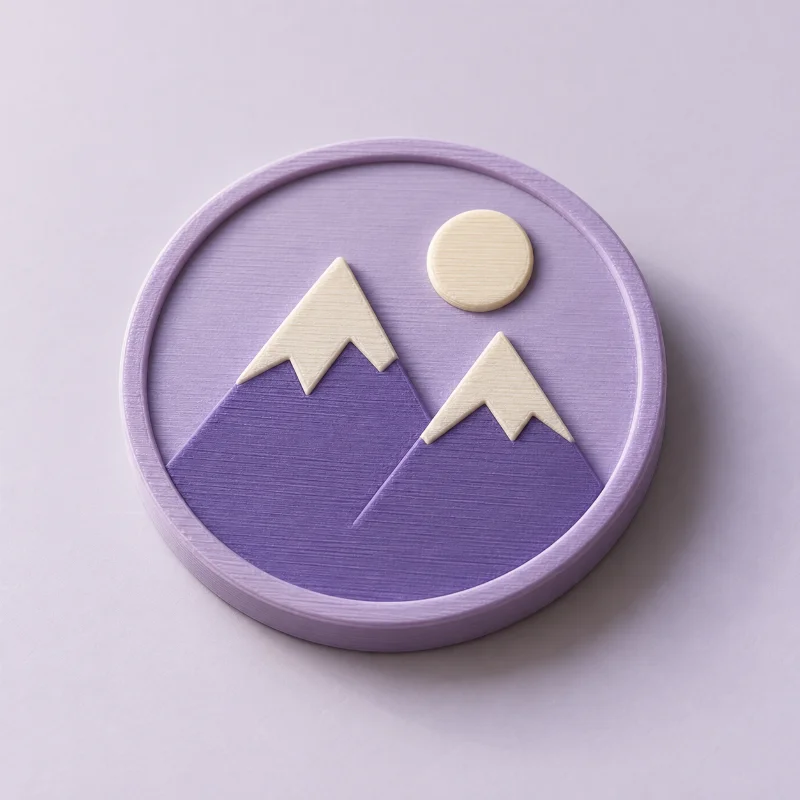
Let the artwork stand out
Use clear lines on a plain background, with even lighting across the image.
JPG TO STL
A scanned drawing. A saved logo. A little idea on paper. Start with a clear JPG and explore the shape it could become.
 THE POSSIBILITY
A LITTLE CREATIVE DIRECTION
Start with a JPG or JPEG drawing with dark, clear shapes on a simple background. The converter traces and cleans its contours, adds depth, and checks the resulting mesh. Choose photo relief or lithophane mode for photographic images instead of outline extrusion.
Use clear lines on a plain background, with even lighting across the image.
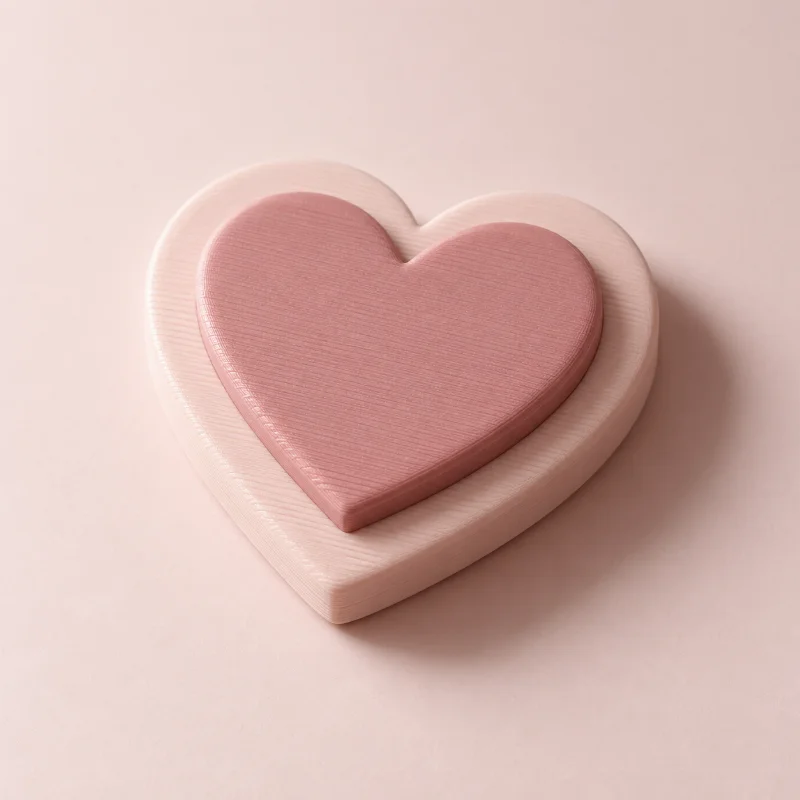
Choose a raised base when a drawing includes separate letters or detached elements.
Check the generated outline, geometry report, and small details before downloading your STL.
A GOOD START MAKES A DIFFERENCE
Yes. Both extensions refer to the same image format. Upload JPG or JPEG artwork up to 10 MB.
Yes. Choose photo relief for a brightness-based surface or lithophane for a thickness-based photo panel. These modes create shallow surfaces, not complete figurines.
Upload artwork or a photo, generate a real model, and inspect the geometry report for free. No account is required for previews or single-model purchases. Your files are private.
Yes. Choose STL, 3MF, OBJ, or GLB after generation. Artwork extrusions also support STEP solids. Preview first, then purchase your selected format or use credits. Each purchase unlocks one format of that exact model.
KEEP THE IDEAS COMING