Skip to content
Imageto3DPrint.com
PricingFAQ
Log inSign up free
All toolsLogo to STL

LOGO TO STL

Logo to STL converter.
Make your mark in 3D.

Give your brand something you can hold. Explore badges, desk signs, and little objects with a personality all their own.
Brand marksDesk signsEvent gifts
THE IDEA
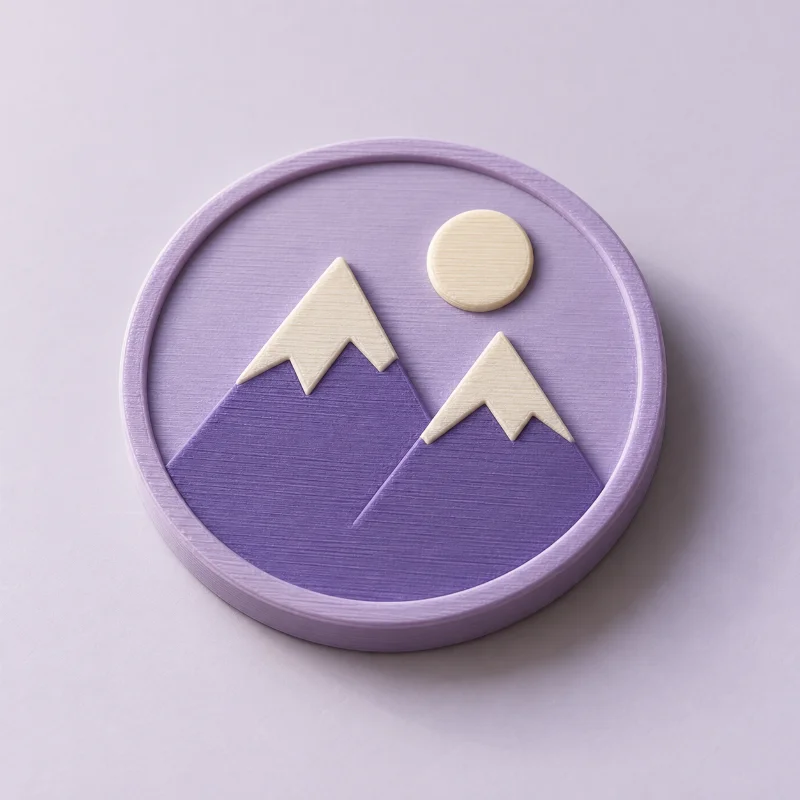
Mountain emblem imagined as a lavender and ivory printed logo badgeTHE POSSIBILITY
Your identity, with a little more presence.Illustrative print concept

Logo to STL

Start with a logo, drawing, or silhouette.

Free preview
Or try a sample
Choose your style
Choose output format

STL · Printable geometry without color data. Import in millimeters.

No account needed Files stay private

Real geometry · STL, 3MF, OBJ, STEP & GLB downloads.

By generating a preview, you agree to our Terms of Service (opens in a new tab). Read our Privacy Policy (opens in a new tab). Automatic image preparation may use third-party image processing services.

PNG · JPG · SVG logos · Up to 10 MB Inspect the actual model Geometry report included
Already have a STL file? Open it in the free STL viewer

A LITTLE CREATIVE DIRECTION

How do you make a 3D model from a logo?

Use an original SVG or a clean PNG or JPG of your logo. A solid backing can connect separate letters and symbols. Set the dimensions, choose raised, engraved, or layered geometry, then inspect the model and download your files.

01

Let a base bring it together

A backing holds separate letters and symbols together in one object.

02

See it at actual size

Set millimeter dimensions and inspect lettering at the intended print size.

03

Create color regions

Multi-color mode separates a simple source palette into printable regions for a 3MF package. Assign filaments in your slicer.

A GOOD START MAKES A DIFFERENCE

Give your artwork its best start.

  • Start with the original SVG or a clean PNG.
  • Use a simplified version for very small objects.
  • Only use logos you own or have permission to reproduce.

BEFORE YOU BEGIN

A little more
good to know.

Clear answers for your next idea.

Explore pricing
What if my logo has separate letters?

Start with raised artwork on a solid base. A standalone design can leave individual letters disconnected, so it needs careful inspection and sometimes changes to the original artwork.

Can I print my logo in several colors?

Yes. Multi-color mode separates a simple source palette into printable regions. Download a 3MF package, then review the regions and assign filaments in your slicer.

What can I do for free today?

Upload artwork or a photo, generate a real model, and inspect the geometry report for free. No account is required for previews or single-model purchases. Your files are private.

Are downloads available?

Yes. Choose STL, 3MF, OBJ, or GLB after generation. Artwork extrusions also support STEP solids. Preview first, then purchase your selected format or use credits. Each purchase unlocks one format of that exact model.

KEEP THE IDEAS COMING

A few more possibilities.

Explore all tools
Free to create
SVG artwork

SVG to STL

A home for crisp vector logos, lettering, and outlines.
Free to create
Logos · artwork

Image to 3MF

Explore layers and the possibilities of separate color regions.

Free to create
Logos · vectors · drawings

Image to STEP

Explore solid CAD extrusions from logos and vector outlines.

Imageto3DPrint.com

A little imagination.
A whole new dimension.

Made for the makers.

CREATE WITH ARTWORK

Image to STLPNG to STLJPG to STLSVG to STLLogo to STL

EXPLORE THE POSSIBILITIES

Image to 3MFImage to STEPPhoto to STLBas-relief generatorLithophane generatorBrowse all tools

FREE 3D VIEWERS

3D file viewerSTL viewerSTEP viewerOBJ viewer3MF viewerGLB viewer

YOUR STUDIO

Create a previewPricingWorkspace previewHow it worksCommon questions
© 2026 ImageTo3DPrint.comPreview your model. Download STL, 3MF, OBJ, STEP or GLB.
Operated by MTTenterprise Inc.
Terms of ServicePrivacy PolicyContact us