Keep the tones that matter
A photo with clear subjects and a good tonal range gives a more readable backlit picture.
LITHOPHANE GENERATOR
An understated white panel. A little light behind it. Suddenly, a favorite memory comes into view.
Image brightness becomes depth in a relief, or thickness in a backlit lithophane. Upload a photo and inspect the real surface before downloading.
A NEW WAY TO REMEMBER
The generator maps photo tones to the thickness of a flat panel. Dark areas become thicker and light areas become thinner, so backlighting reveals the image. Set the minimum thickness and depth range, inspect the closed mesh, and download it for your slicer.
A photo with clear subjects and a good tonal range gives a more readable backlit picture.
Choose width, height, minimum thickness, and depth range. The preview shows the physical surface, not a simulated backlit photograph.
Use a suitable translucent filament and review the model in your slicer. Material, settings, and lighting affect the final appearance.
A GOOD START MAKES A DIFFERENCE
No. A traditional lithophane creates tones through thickness in a single translucent material. Its appearance comes from transmitted light.
Artwork, reliefs, and lithophanes support STL, 3MF, OBJ, STEP, and GLB. Photo surfaces use faceted CAD solids.
Upload artwork or a photo, generate a real model, and inspect the geometry report for free. No account is required for previews or single-model purchases. Your files are private.
Yes. Choose STL, 3MF, OBJ, or GLB after generation. Artwork extrusions also support STEP solids. Preview first, then purchase your selected format or use credits. Each purchase unlocks one format of that exact model.
KEEP THE IDEAS COMING
 Free to create
Discover two different ways to give a photograph physical form.
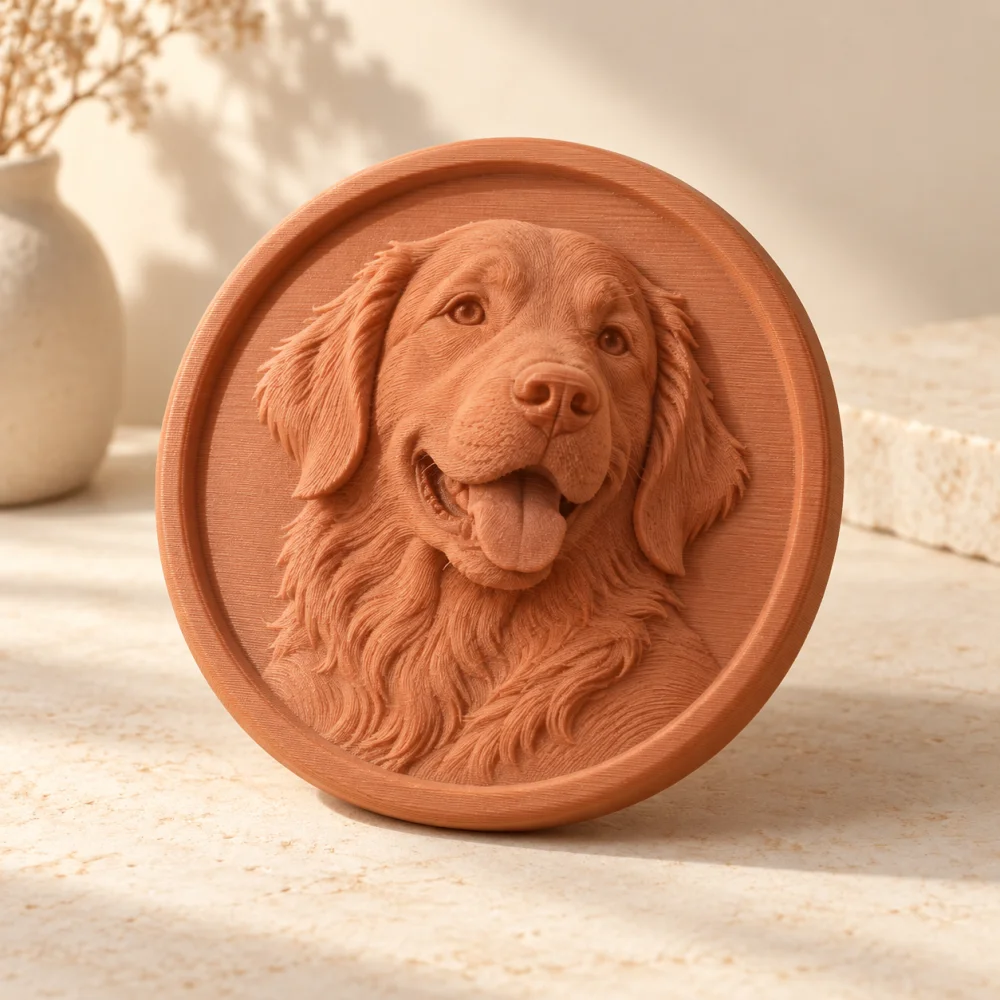
Free to createBrightness-based photo surfaces for plaques and creative projects.
 Free to create
Find the size and shape of your next personal print.