Skip to content
Imageto3DPrint.com
PricingFAQ
Log inSign up free
All toolsImage to STL

IMAGE TO STL

Image to STL converter.
Your artwork, in 3D.

Turn a flat idea into something you can turn around. Start with a logo, drawing, or silhouette and explore it in 3D.
LogosDrawingsSilhouettes
THE IDEA
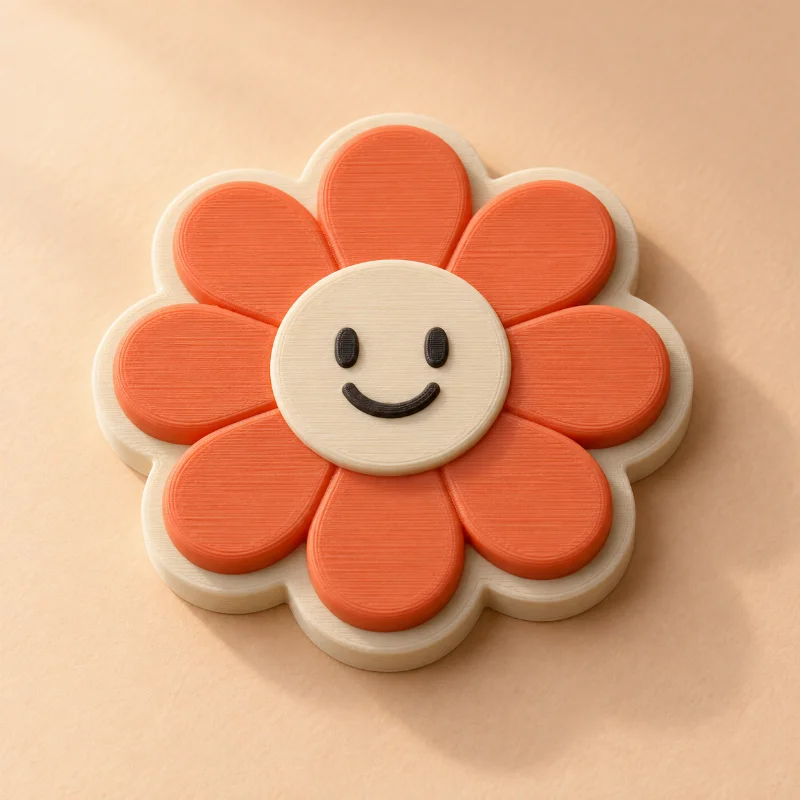
Coral flower artwork imagined as a layered 3D printed desk accessoryTHE POSSIBILITY
A doodle with a little more dimension.Illustrative print concept

Image to STL

Start with a logo, drawing, or silhouette.

Free preview
Or try a sample
Choose your style
Choose output format

STL · Printable geometry without color data. Import in millimeters.

No account needed Files stay private

Real geometry · STL, 3MF, OBJ, STEP & GLB downloads.

By generating a preview, you agree to our Terms of Service (opens in a new tab). Read our Privacy Policy (opens in a new tab). Automatic image preparation may use third-party image processing services.

PNG · JPG · SVG · Up to 10 MB Inspect the actual model Geometry report included
Already have a STL file? Open it in the free STL viewer

A LITTLE CREATIVE DIRECTION

How do you convert an image to STL?

Upload PNG, JPG, or SVG artwork, choose a style, and set dimensions in millimeters. The converter cleans image contours, builds solid geometry, checks the mesh, and creates a downloadable STL. The interactive preview shows the same geometry as your export.

01

Give the outline depth

Choose raised artwork, an engraved plaque, a standalone outline, or layered regions.

02

See every side

Rotate and zoom the actual model before downloading its STL, 3MF, or OBJ mesh.

03

Check the result

Review measured dimensions, watertightness, connected components, and any cleanup warnings.

A GOOD START MAKES A DIFFERENCE

Give your artwork its best start.

  • Use a clear image with a simple background.
  • Choose bold shapes over very fine lines.
  • Inspect small islands and lettering at your intended size.

BEFORE YOU BEGIN

A little more
good to know.

Clear answers for your next idea.

Explore pricing
What is an STL file?

STL describes the surface of a 3D object as triangles. It is widely used for 3D printing, but does not store colors or printer settings.

Will any image become a full 3D object?

Artwork is extruded from cleaned outlines. Photos can become brightness-based reliefs or lithophanes. Full AI reconstruction of the unseen sides of an object is not available.

What can I do for free today?

Upload artwork or a photo, generate a real model, and inspect the geometry report for free. No account is required for previews or single-model purchases. Your files are private.

Are downloads available?

Yes. Choose STL, 3MF, OBJ, or GLB after generation. Artwork extrusions also support STEP solids. Preview first, then purchase your selected format or use credits. Each purchase unlocks one format of that exact model.

KEEP THE IDEAS COMING
A few more possibilities.

Explore all tools
Free to create
PNG artwork

PNG to STL

A natural starting point for transparent logos and icons.

Free to create
SVG artwork

SVG to STL

A home for crisp vector logos, lettering, and outlines.

Free to create
Logos · artwork

Image to 3MF

Explore layers and the possibilities of separate color regions.

Imageto3DPrint.com

A little imagination.
A whole new dimension.

Made for the makers.

CREATE WITH ARTWORK

Image to STLPNG to STLJPG to STLSVG to STLLogo to STL

EXPLORE THE POSSIBILITIES

Image to 3MFImage to STEPPhoto to STLBas-relief generatorLithophane generatorBrowse all tools

FREE 3D VIEWERS

3D file viewerSTL viewerSTEP viewerOBJ viewer3MF viewerGLB viewer

YOUR STUDIO

Create a previewPricingWorkspace previewHow it worksCommon questions
© 2026 ImageTo3DPrint.comPreview your model. Download STL, 3MF, OBJ, STEP or GLB.
Operated by MTTenterprise Inc.
Terms of ServicePrivacy PolicyContact us