Pick a starting style
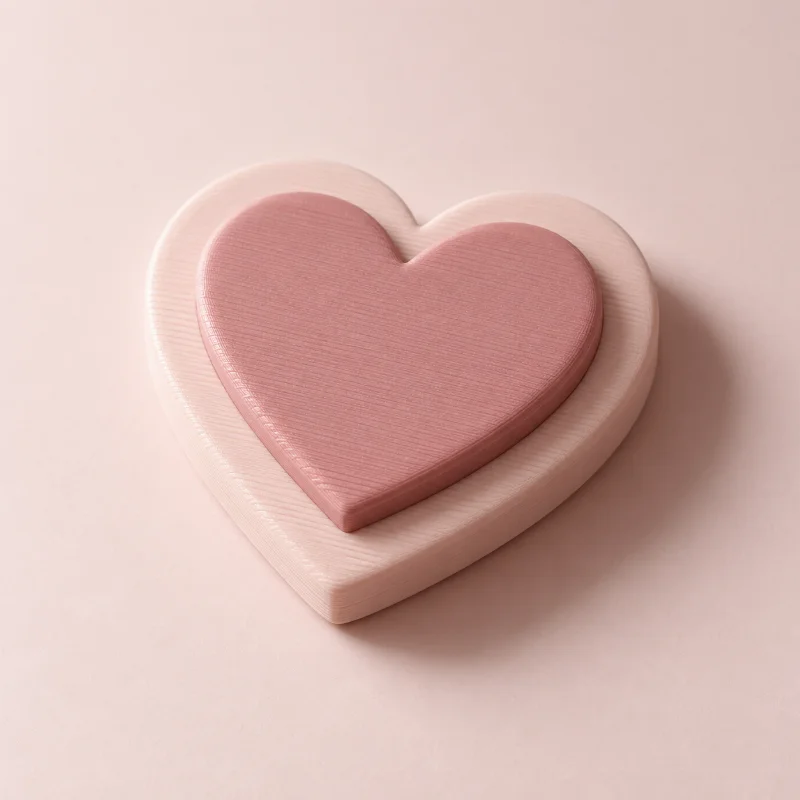
Raise your image from a surface or build only the outline. Sample designs also let you explore engraved and layered looks.
IMAGE TO 3D MODEL
Rotate it. Resize it. Make it yours. Discover what your drawing could look like with a little space to grow.
 THE POSSIBILITY
A LITTLE CREATIVE DIRECTION
Logos and drawings become solid extrusions of their cleaned outlines. Photo modes turn brightness into a shallow relief or lithophane. Rotate the actual generated model, review the geometry report, and download the format you need. Full AI object reconstruction is not available.
Raise your image from a surface or build only the outline. Sample designs also let you explore engraved and layered looks.
Adjust width, height, extrusion, and base thickness to find the balance that works for your idea.
Download OBJ for a mesh editor, GLB for a web viewer, or STL and 3MF for your slicer. Artwork extrusions also support STEP solids.
A GOOD START MAKES A DIFFERENCE
No. Artwork modes add depth to cleaned outlines. Relief and lithophane modes build a shallow surface from image brightness. They do not infer hidden geometry.
Artwork, reliefs, and lithophanes support STL, 3MF, OBJ, STEP, and GLB. Photo surfaces use faceted CAD solids.
Upload artwork or a photo, generate a real model, and inspect the geometry report for free. No account is required for previews or single-model purchases. Your files are private.
Yes. Choose STL, 3MF, OBJ, or GLB after generation. Artwork extrusions also support STEP solids. Preview first, then purchase your selected format or use credits. Each purchase unlocks one format of that exact model.
KEEP THE IDEAS COMING
 Free to create
Start with almost any artwork. Find its shape in 3D.
Free to createFind the size and shape of your next personal print.
 Free to create
Explore solid CAD extrusions from logos and vector outlines.